Locale Settings
Changing your Locale Settings
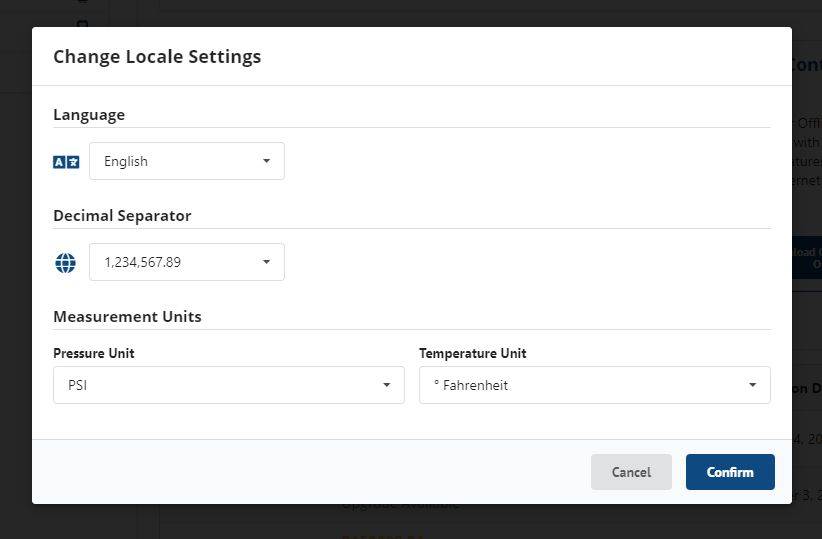
To open the Locale Settings Modal, click the  icon in the top right of the menu bar.
Configured locale settings will be saved to your profile and available across browsers.
- Language - Select from available languages: English.
- Decimal Separator - US and SI decimal separators are available.
- Measurement Units Pressure - This will be used for graphing and PDF reports.
- Measurement Units Temperature - This will be used for graphing and PDF reports.